

Teaching is deeply rewarding. But managing lab reports, grading math problems, and handling student emails can quickly eat up your free time. At Catalyst Education, we’d like to help get your semester off on the right foot!
Let’s make course management easier for you, and make learning clearer for your students. Here is a quick look at our newest updates for Catalyst’s Learning Platforms and how they give you time back in your busy week.
More Teaching, Less Admin
Every higher education instructor knows the feeling. You spend your Sunday evening testing quiz keys, responding to late-penalty emails, and hunting for ungraded lab reports. We built our newest features to give you that Sunday evening back while keeping your students focused, engaged, and on track.
Fast-Track Your Setup and Grading
Testing your assignments shouldn't take hours. We added tools to make course prep fast and worry-free.
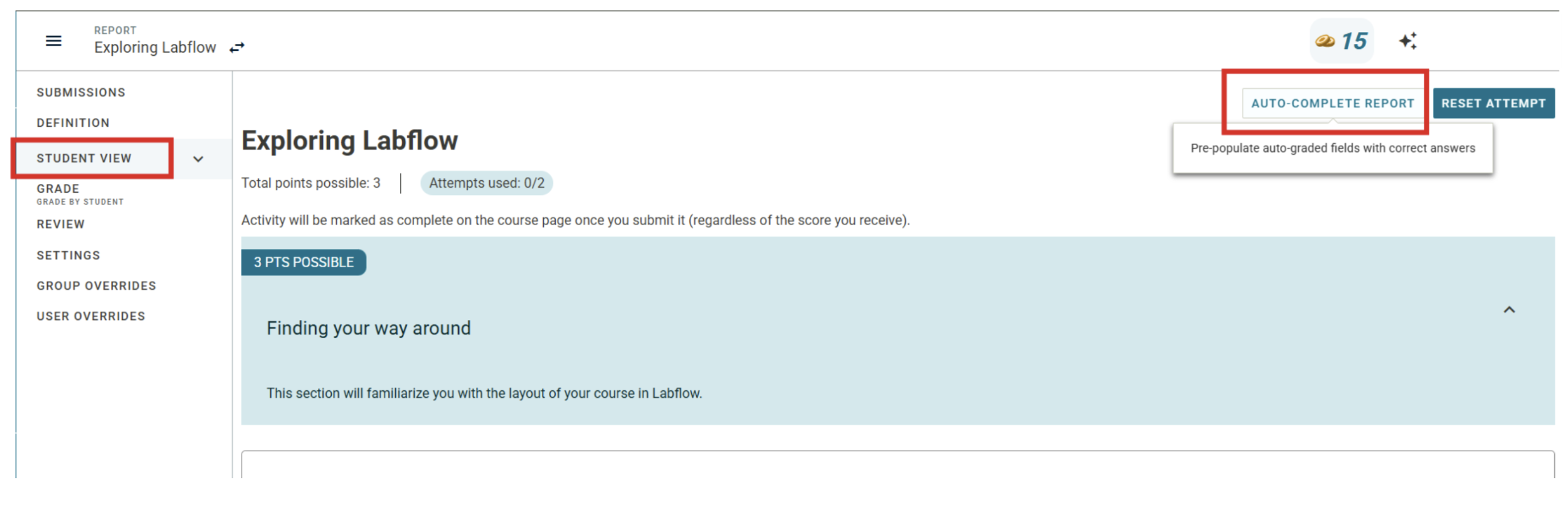
1. Instant Test Run (AUTO-COMPLETE Button)
Testing what students see no longer requires typing in mock data line by line. Now, instructors and TAs can click AUTO-COMPLETE in the Student View. It automatically fills in correct answers and randomized lab data in seconds so you can verify your assignments instantly.
2. Smarter Answer Keys
You can now see at a glance whether a question has a fixed answer or a unique, student-specific value. Plus, our printable answer keys display exact math rules, tolerances, rubrics, and dynamic variables on one clean page.

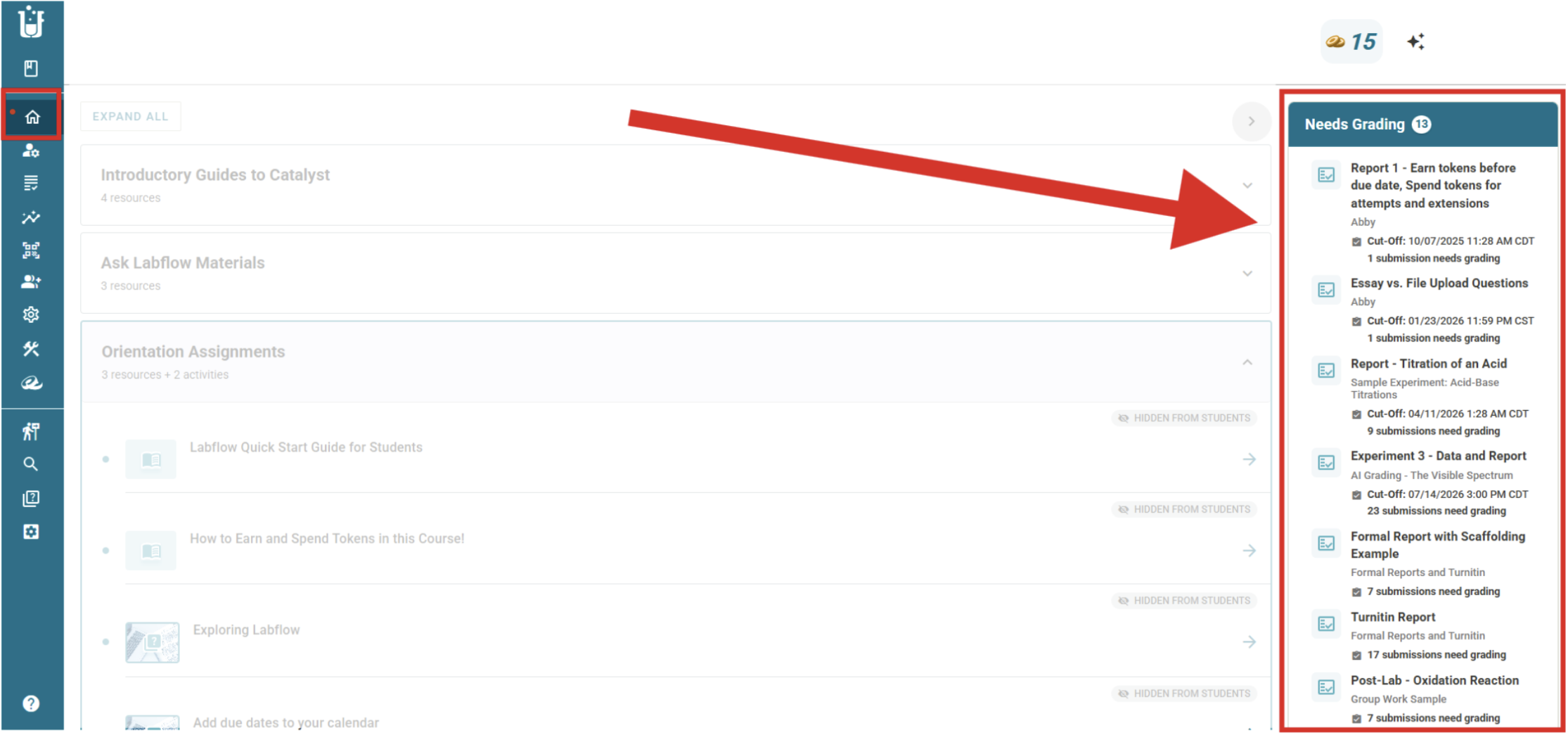
3. "Needs Grading" Dashboard Panel
No more searching through menus to see who submitted work. A dynamic side panel on your course home page alerts you whenever lab reports need grading and takes you straight to the Quick Grade tool.
Why it matters: You save hours during course setup, eliminate guesswork during grading, and never miss an ungraded student report.
Empower Students to Take Ownership
Students learn best when they understand what is coming next and feel in control of their progress.
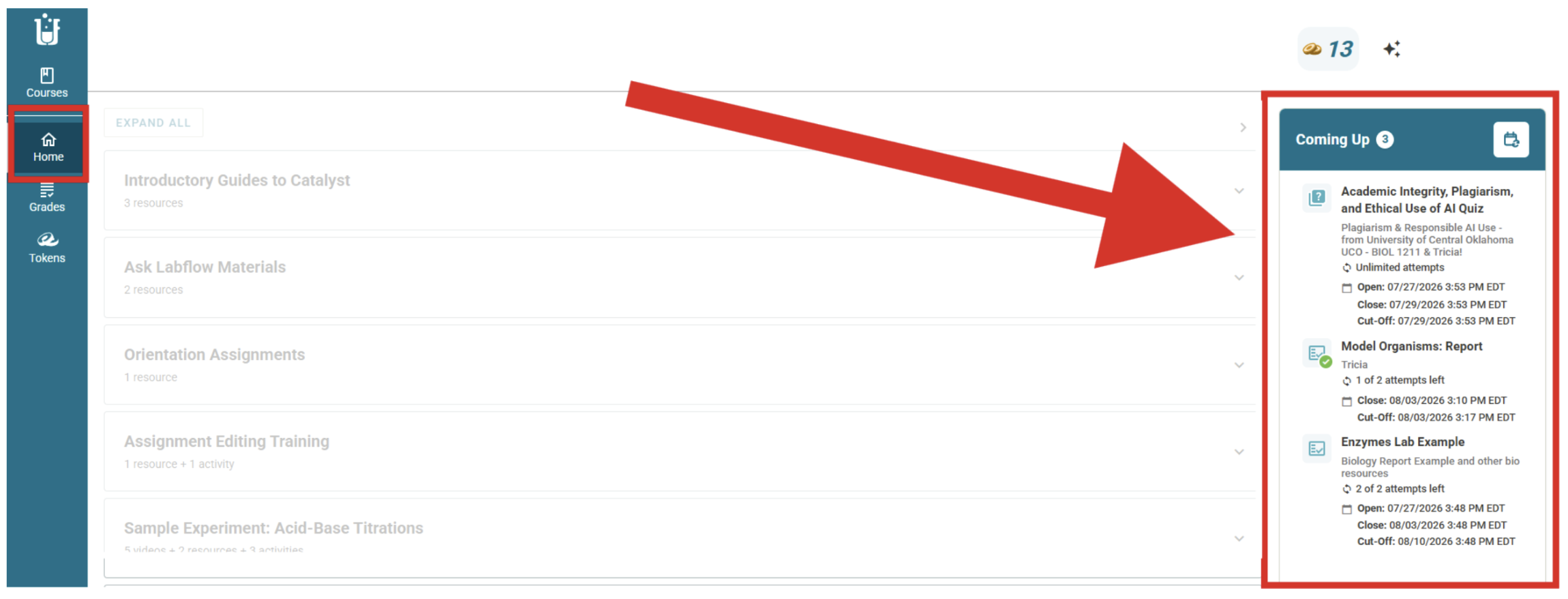
1. The "Coming Up" Panel
Students now see a visual sidebar showing every assignment due in the next two weeks. Green checkmarks show completed work, while lock icons highlight prerequisite tasks they need to finish first.
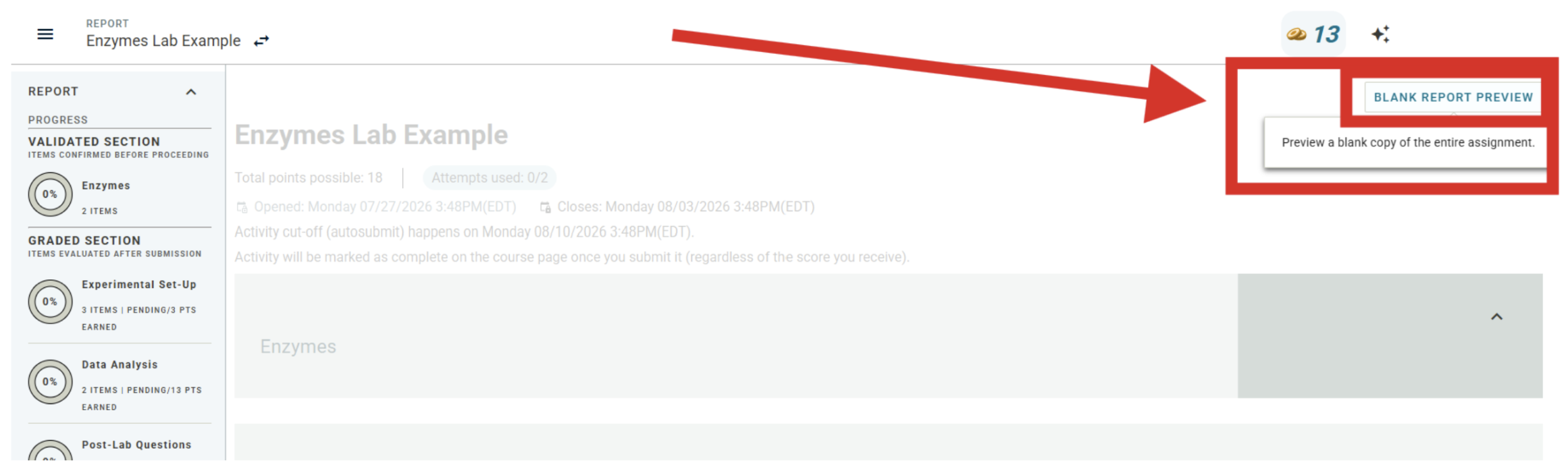
2. Blank Report Previews
Want students to review lab layouts without seeing the answers? You can turn on a Blank Report Preview. Students can view and print assignment structures, but all grading rules and answers are safely scrubbed away.
3. Token Late Penalty Removal
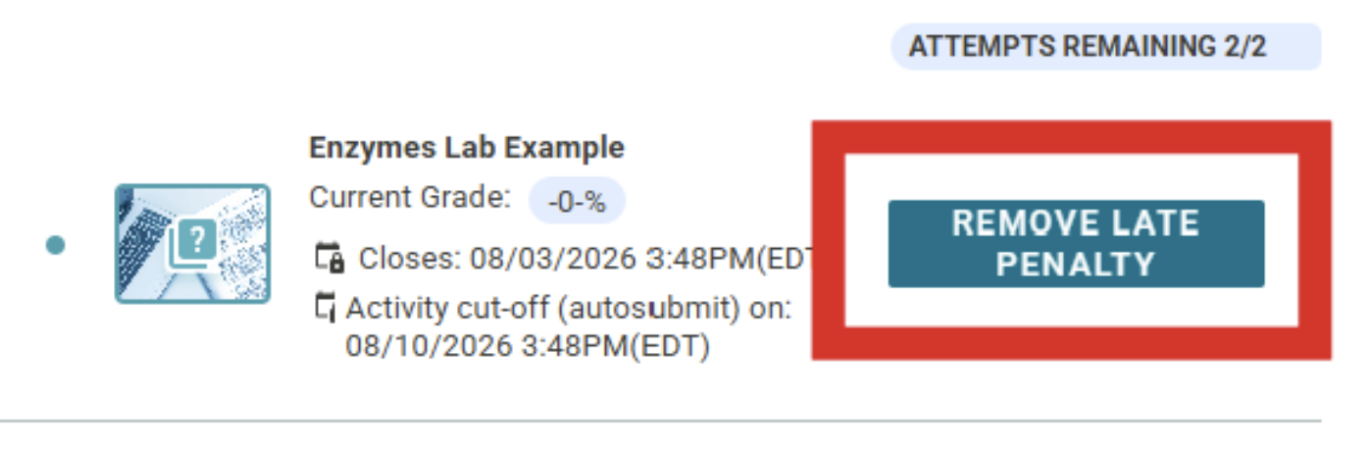
Life happens. Instead of flooding your inbox with extension requests, students can use tokens they earn in class to remove late penalties - either before or after submitting. The gradebook updates automatically, saving you admin time while providing students autonomy and flexibility.
Maintain Integrity with Zero Friction
Coming soon! Respondus LockDown Browser Integration: Keep proctored assessments (like quizzes and exams) secure with built-in Respondus support. You can easily enable basic or scientific calculators directly inside the browser, giving students the math tools they need without breaking security.
Ready to Try These New Features in Your Course?
If you already use Labflow or Spark, bringing these updates into your class is quick and easy!
Reach out to your dedicated Faculty Success Manager today. They can walk you through any of these new tools, answer your questions, and help you turn them on for your upcoming term.
(New to Catalyst Education? Reach out to our team to request a quick demo and see how Labflow and Spark can transform your courses!)